“Golf shot tracking system” is used for two different purchases. A course-tracking system records where and with which club you played shots across a round; a launch monitor measures what happened around impact on the practice range or in a simulator. Some devices combine limited elements of both, but one does not automatically replace the other. Understanding the difference can prevent buying an expensive sensor that cannot produce the stat you actually wanted.
Quick answer: Choose GPS or club-mounted shot tracking if your goal is on-course distances, club selection and scoring patterns. Choose a launch monitor if your goal is ball speed, launch, spin, carry and swing feedback at impact. Some golfers benefit from both: course history identifies weak areas, while a practice monitor helps investigate them.
Which tool measures what?
| Goal | Course shot tracker | Launch monitor |
|---|---|---|
| Which club I used on each hole | Core function with supported sensors | Usually manual club selection or session logging |
| Where the ball finished on a course | GPS and user-corrected positions | Not usually on-course GPS tracking |
| Ball speed right after impact | Usually not | Core launch-monitor metric |
| Spin and launch angle | Usually not | Available on suitable models and tiers |
| Strokes gained or on-course trends | Common analytics goal | Requires separate app/method if available |
| Indoor simulator play | Not its main use | Supported on selected launch-monitor systems |
How GPS shot tracking works
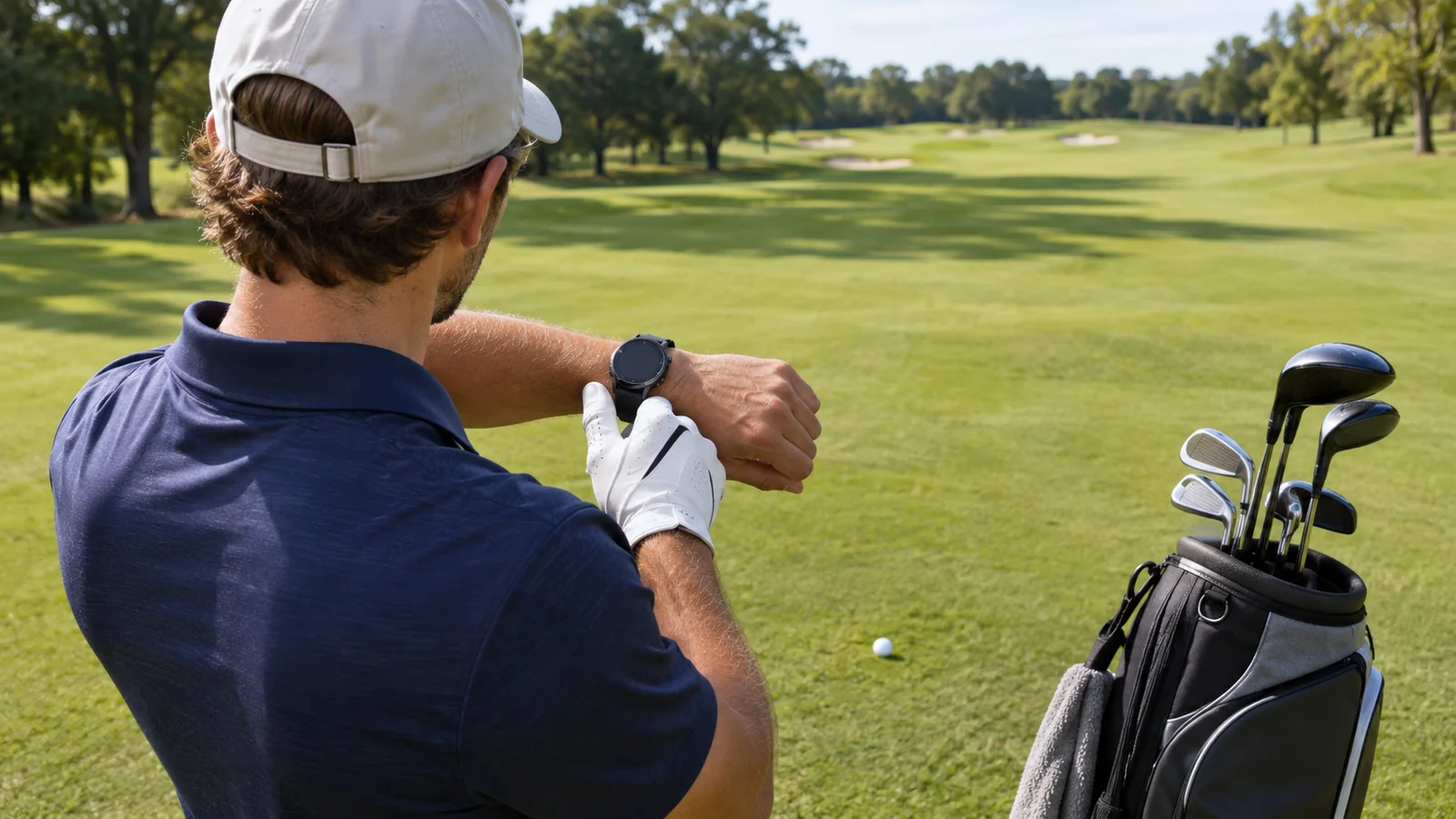
A GPS course-tracking product associates a shot event with a location and, depending on the device, a chosen club. Some systems detect swings through a wearable or club sensor; others require a manual tap or club prompt. Once the round ends, software can map shots, calculate distances between locations and summarize performance patterns. The accuracy and completeness of the record depend on GPS reception, club identification and correcting missed shots.
This is different from measuring ball flight. GPS position-to-position distance can be useful for course history without telling you the ball’s initial spin rate or launch angle. If the device misses a short chip or a penalty, a manual correction may be necessary before treating the statistics as reliable.
Three examples of course-tracking workflows
Arccos Smart Sensors attach to compatible club grips and work with a game-tracking subscription. Arccos’ support documentation updated in August 2026 describes a required Game Tracking plan that renews at $199.99 per year after the introductory period, with optional paid extras. Do not confuse a free first year with a fee-free lifetime product.
Garmin Approach watches and CT10 sensors can record course shots using supported AutoShot and club-tracking features. Garmin’s documentation explains that CT10 sensors can fill gaps for softer strokes such as putts and short wedge shots on compatible devices. The correct watch model matters; a sensor does not automatically support every watch or handheld unit.
Other GPS and club-tag systems may use a wearable, clip-on recorder or manual tagging, with software and subscriptions varying by product and generation. Compare exact model capabilities, battery upkeep and whether a club must be selected manually, rather than judging the whole category by one name.
What a launch monitor measures instead
A launch monitor uses radar, cameras or a hybrid arrangement to estimate or directly measure launch-related quantities. Ball speed, club speed, launch direction, launch angle and spin may appear in the app, with carry and total distance often modeled when the ball hits a net. This tells a golfer how a shot was struck, not where on a real course it ended or which hazards were played.
For example, a golfer trying to determine whether a 7-iron carries a consistent distance can benefit from repeated monitor measurements under controlled conditions. The same golfer trying to discover why approach scores are weak over twenty rounds needs on-course context: lie, wind, target selection, distances and actual outcomes.
On-course recorded distance versus carry distance
GPS-tracked distance frequently reflects the difference between two recorded positions and may include ground roll or imperfect location. Launch-monitor carry is the ball’s flight distance to its first landing point, often estimated indoors from launch conditions. They are not interchangeable numbers, and disagreement does not necessarily mean either device is malfunctioning.
For practical club selection, use launch-monitor carry as one controlled input and course tracker history as the observed playing outcome. Distinguish fairway total distance from air carry when planning over water or bunkers. Do not use the longest tee shot in a tracker as the expected carry for every shot.
Sensor compatibility and missed shots
Automatic shot trackers can miss putts, chips and soft swings; a launch monitor may also miss a ball struck outside its hitting zone or under unsupported conditions. Garmin’s AutoShot documentation specifically notes that softer contacts and putts can be challenging without the appropriate club tags. Check the device-specific troubleshooting steps instead of assuming automated data capture is infallible.
Before buying an on-course system, verify watch/phone compatibility, club sensor attachment, approved tees or grips, battery needs, and how you can edit an incorrect shot. Manual correction is not necessarily a defect; it is often part of producing a useful post-round map.
Subscription costs and account ownership
Shot tracking often relies on a long-running history and cloud analytics, which may be linked to a subscription account. Arccos is a prominent example with a recurring plan. Some competing ecosystems emphasize no ongoing membership for core tracking, while specific advanced features may still need payments. Confirm the current product’s terms, device count and data export before purchasing.
An expensive annual plan can be reasonable for a golfer who uses every round review, but unnecessary for someone who plays a few rounds each year. Calculate three-year cost using the paid years after any introductory trial. Also ask what happens to historical data if the subscription ends and whether club tags remain useful with a replacement phone or watch.
What data should you actually track?
Course tracking is most useful when it leads to a decision. Review approach proximity by distance, penalty shots, missed greens, scrambling and putting trends rather than obsessing over a single average. For practice sessions, use stable clubs, comparable balls and repeated clean strikes to identify changes in ball speed and carry dispersion. Numbers without consistent inputs are noisy.
An effective workflow may start with a course tracker flagging poor wedge distance control. You could then use a launch monitor for structured wedge-gapping drills. After several weeks, return to course data to see whether your scoring pattern actually changed. The two tools answer sequential questions rather than competing for the same metric.
Three distance numbers that answer different questions
GPS start-to-finish shot distance measures or estimates the geographic separation between the two positions you record on a course. Launch-monitor carry is the flight distance before the ball first lands, often modeled in a net session. Total distance includes rollout, whether modeled or observed. These are not directly interchangeable: fairway firmness, slope, wind and a missed location correction can make on-course totals differ from practice carry numbers.
For club gapping, repeatedly measure carry using a consistent ball and setup. For course management, review real shot outcomes by club and lie, including penalties and incomplete shots. Do not take an average 7-iron GPS total from downhill summer fairways as proof of a 7-iron’s standard carry into a hazard.
2026 subscriptions and missed-shot workflow
Automatic round tracking can miss shots, particularly short or unusual strokes. Review the recorded hole after playing and correct missing shots or positions. Check the supported watch and sensor combination rather than assuming that GPS logging measures launch speed or carry.
Whatever the brand, audit a handful of complete rounds manually. Correct missed shots, putts and wrong club assignments before relying on strokes-gained charts. An automatic tracker’s convenience is valuable, but uncorrected course-position errors can produce misleading recommendations.
Buying by use case
Frequent golfer interested in strokes gained: prioritize a course-focused device with strong GPS tracking, editable rounds and the club-tag workflow you will actually use. Golf coach or range-practice golfer: prioritize a launch monitor with the measured variables that support your practice objective. Home simulator owner: prioritize sensor compatibility, room fit and software. Casual golfer who dislikes subscriptions: check manual GPS logging or a device with useful basic functions before committing to a yearly plan.
Do not buy a club-tag product expecting simulator spin numbers. Likewise, do not buy an indoor-only camera monitor expecting it to map every real on-course shot without additional technology.
The launch-monitor technology explainer shows what happens at impact and in flight. For range-focused hardware, use the driving-range shortlist.
Frequently asked questions
Is a golf GPS watch a launch monitor?
Not usually. Watches commonly use GPS and swing detection for course distances and shot history. A launch monitor observes the strike and derives launch metrics; some special products combine functions, but you must check the exact model.
Will Arccos charge a membership fee?
Arccos’ August 2026 documentation lists its Game Tracking subscription as required for the Smart Sensors ecosystem, renewing at $199.99 annually after an applicable introductory period. Check current US terms at purchase.
Can Garmin CT10 sensors track putts?
Garmin states that compatible CT10 systems can add detection for putts and softer chips that watch-only AutoShot may miss. Confirm the exact Garmin product’s compatibility.
Can I replace a launch monitor with course shot tracking?
Only if you no longer need launch and spin metrics. On-course GPS records and launch-monitor ball flight analysis are different categories of information.
Final recommendation
Select your measurement objective before your brand. Course sensors help explain scoring and club decisions across rounds; launch monitors help explain striking and ball flight at practice. Used together thoughtfully, they can create a more complete improvement loop. To understand impact metrics, read How Do Golf Launch Monitors Work? Radar vs Camera Explained; to choose practice hardware, read Best Golf Launch Monitors in 2026.