
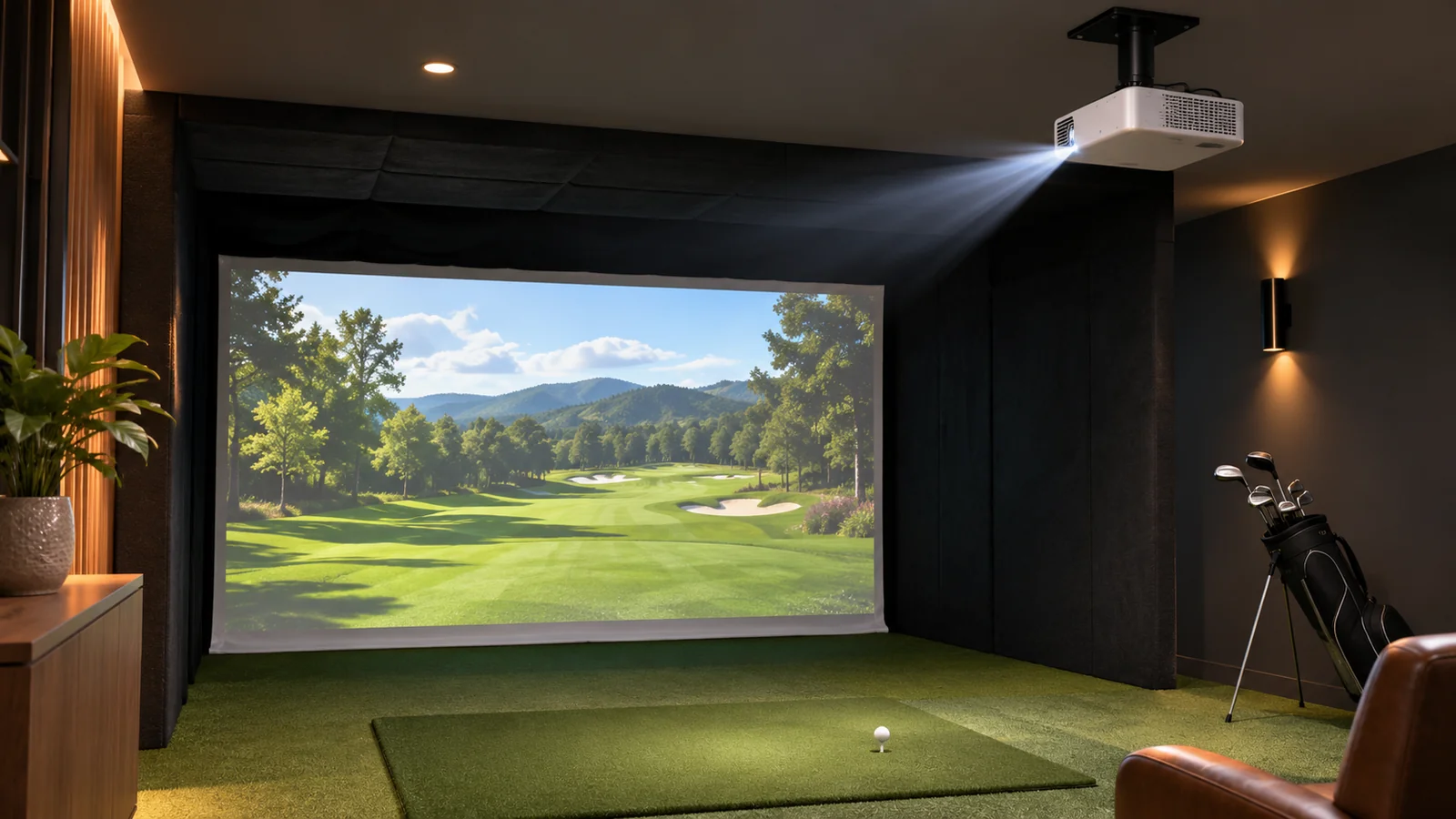
Editorial selection method: geometry before picture quality
Worked example: a 10-foot-wide projected image and a fixed 0.50 throw ratio imply approximately 5 feet from projector lens to the screen. At a 0.69–0.83 throw ratio, the nominal distance becomes roughly 6.9–8.3 feet. Real installation also depends on the optical offset, throw range, mount and usable screen margins. Avoid using keystone correction to compensate for unsafe projector placement. BenQ’s maker comparison and Optoma’s specifications document the relevant lens families.
At a glance: comparison table
| Projector | Throw ratio | Resolution class | Maker light-output claim | Placement decision | Check Price |
|---|---|---|---|---|---|
| BenQ AH700ST | 0.69-0.83 | 1920 × 1080 | 4,000 ANSI lumens | Golf-focused zoom-lens placement | View on Amazon |
| BenQ AH500ST | 0.499 | 1920 × 1080 | 4,000 ANSI lumens | Fixed close mount; check offset | View on Amazon |
| BenQ AK700ST | 0.69-0.83 | 4K UHD output | 4,000 ANSI lumens | Higher-resolution image with similar throw range | View on Amazon |
| BenQ LK830ST | 0.5 | 4K UHD output | 4,000 ANSI lumens | Short fixed throw; exact mount critical | Search on Amazon |
| BenQ LK936ST | 0.81-0.89 | 4K UHD output | 5,100 ANSI lumens | Longer mount distance and brighter-room priorities | View on Amazon |
| BenQ AH30ST | 0.69-0.83 | 1920 × 1080 | 3,000 ANSI lumens | LED model; control room light | Search on Amazon |
| Optoma GT2100HDR | 0.496 | 1920 × 1080 | 4,200 manufacturer-rated lumens | Fixed short throw; no assumed golf image-fill modes | View on Amazon |
Use the projector comparison to check throw ratio, mounting position and image width; verify each chosen model and its current US purchase listing before ordering.
1. BenQ AH700ST — balanced golf-specific 1080p
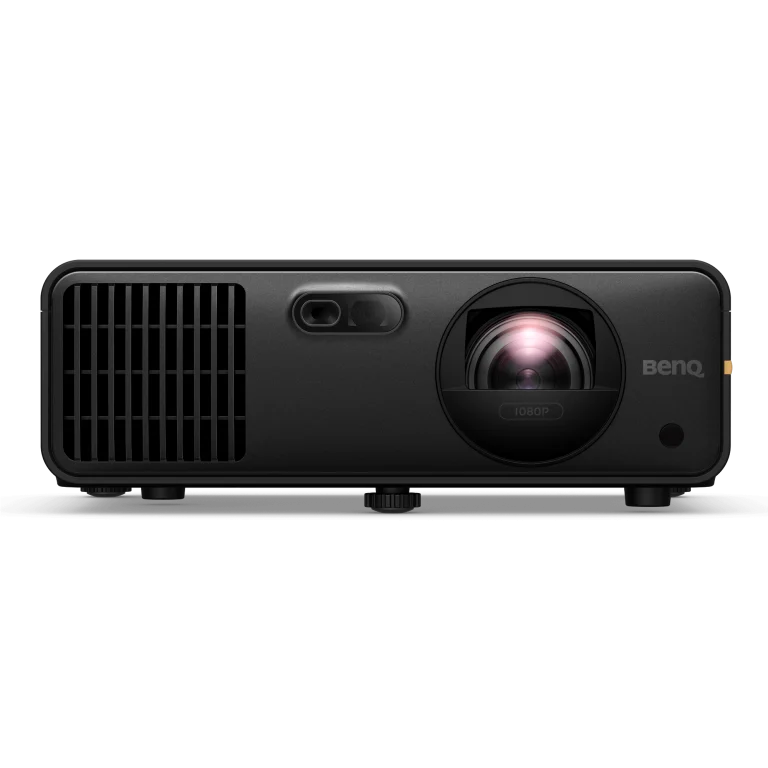
BenQ specifies a 4,000 ANSI-lumen laser platform, 1920 × 1080 native resolution, golf-oriented image modes, a 0.69–0.83 throw range, and tools designed to help fit images onto common golf screen shapes. It is the straightforward model to consider when the impact screen is roughly ten or eleven feet wide and the projector can mount farther back than an ultra-short setup. The strong attraction is not simply brightness: a practical mount and correct image shape can make an ordinary 1080p simulator more satisfying than a poorly installed higher-resolution model.
For a ten-foot-wide image, a throw ratio of 0.69–0.83 implies a lens-to-image distance of about 6.9–8.3 feet before accounting for the manufacturer’s installation offsets, zoom and mounting requirements. Measure from the lens, not the ceiling bracket, and check whether the golfer could stand or swing under the beam. Use the official calculator with your actual aspect ratio.
Trade-off: Not a 4K-native projector. Its throw range is unsuitable for some very shallow rooms and may place the mount uncomfortably near the hitting position.
Before ordering: Confirm US model suffix, mounting plate, input resolution and supported aspect-ratio modes; verify exact Amazon.com seller listing separately.
2. BenQ AH500ST — short throw in a tight bay
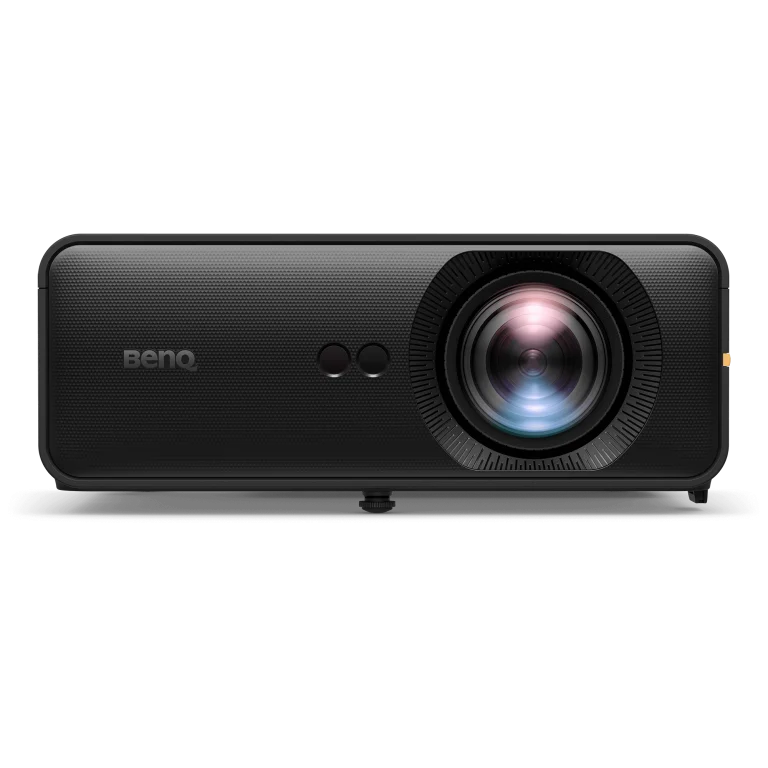
The AH500ST is a 4,000 ANSI-lumen Full HD laser projector with a published throw ratio of approximately 0.499 and a fixed lens. Compared with the AH700ST, it can create a similarly wide image with less projector-to-screen distance. It is therefore an option for garages where the person, ceiling rails and impact screen leave little safe mounting real estate. The lens is fixed, so physical placement must be planned carefully rather than relying on large optical zoom adjustments after installation.
With a ten-foot-wide active picture, 0.499 is roughly five feet of lens-to-image distance. That is only the horizontal calculation, not a mounting guarantee: vertical offset, screen height, enclosure top, beam path and height of the player still matter. Drawing the entire projection cone on the room plan is particularly important with close mounting.
Trade-off: Fixed-throw flexibility is limited; Full HD does not provide 4K UHD output; a very close mount still needs protection from a club, bounced ball and enclosure fabric.
Before ordering: Check BenQ’s installation guide for the precise lens offset and confirm whether any protective box or mount obstructs vents.
3. BenQ AK700ST — 4K with golf-focused installation tools
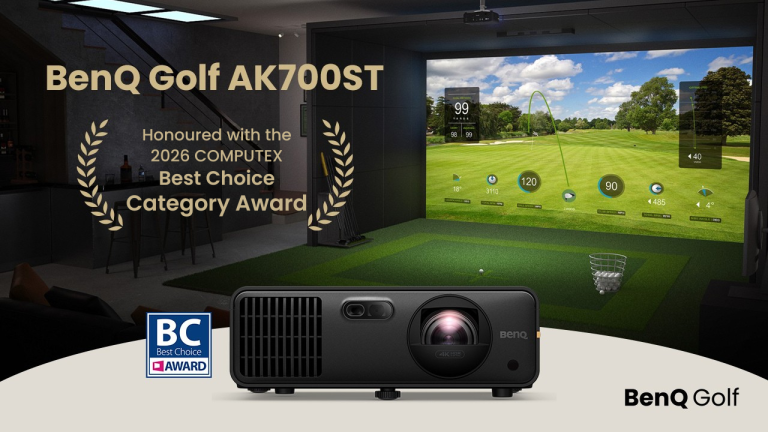
The AK700ST is BenQ’s 4K UHD laser entry in its golf projector family with a quoted 0.69–0.83 throw range and 4,000 ANSI lumens. It offers an appealing balance when a simulator doubles as a cinema room, because the image source and operating modes can serve golf software and entertainment. That benefit is conditional: high-resolution output requires suitable PC graphics hardware, correct cable lengths and content that is actually rendered at the desired resolution.
Compare it with the AH700ST using the same image width and planned mount. The throw geometry is similar, so the key decision becomes whether you value the higher pixel count enough to pay more and provide more capable graphics hardware. For heavily textured course scenes on a larger screen, resolution may matter; for club-data practice on a tablet, it may not.
Trade-off: Higher investment and potential computer demands; no projector can compensate for a wrinkled impact screen or an unsafe bay layout.
Before ordering: Check current US product generation, 4K input mode, screen-fill support and the actual package contents.
4. BenQ LK830ST — 4K with very short throw
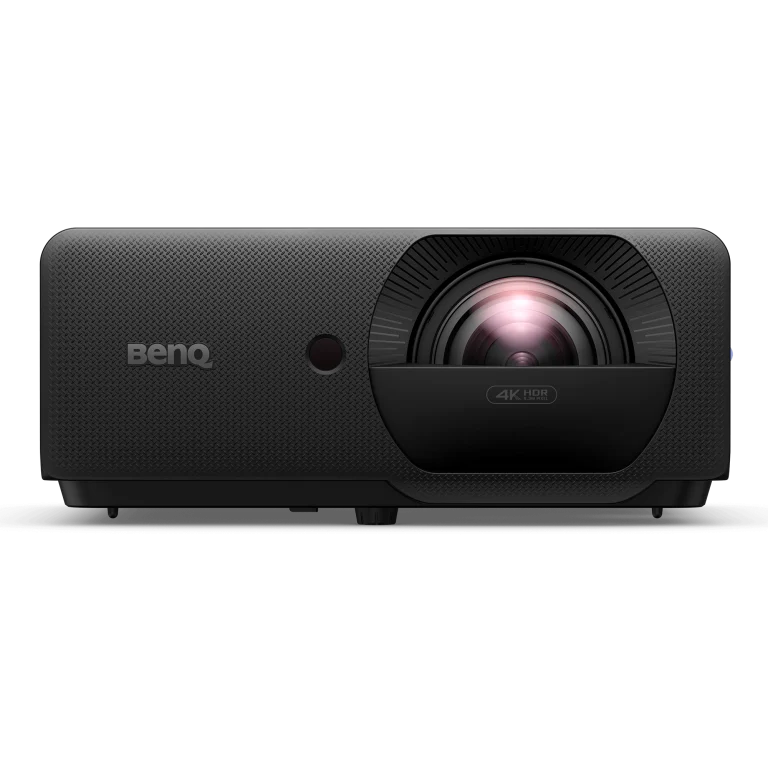
The LK830ST combines 4K UHD output with a published throw ratio of approximately 0.5 and a 4,000 ANSI-lumen laser source. That makes it interesting for a narrow garage or basement in which the projector must be nearer the screen while the owner still wants a higher-resolution image. The source specification is not a declaration that every particular golf room works: the mount can still overlap swing paths or ceiling-door mechanisms.
A ten-foot picture width at a 0.496 ratio suggests about 4.96 feet from lens to picture plane. Compare the resulting ceiling location to the enclosure frame and nearby ceiling fixtures. The fixed lens means you should not assume there is generous optical zoom available to fix a missed measurement.
Trade-off: Premium positioning and strict installation geometry. A compact throw does not necessarily produce a safe mount without physical guarding.
Before ordering: Use BenQ’s model-specific throw calculator and confirm US edition, native resolution and return policy.
5. BenQ LK936ST — premium bright-room option with longer throw
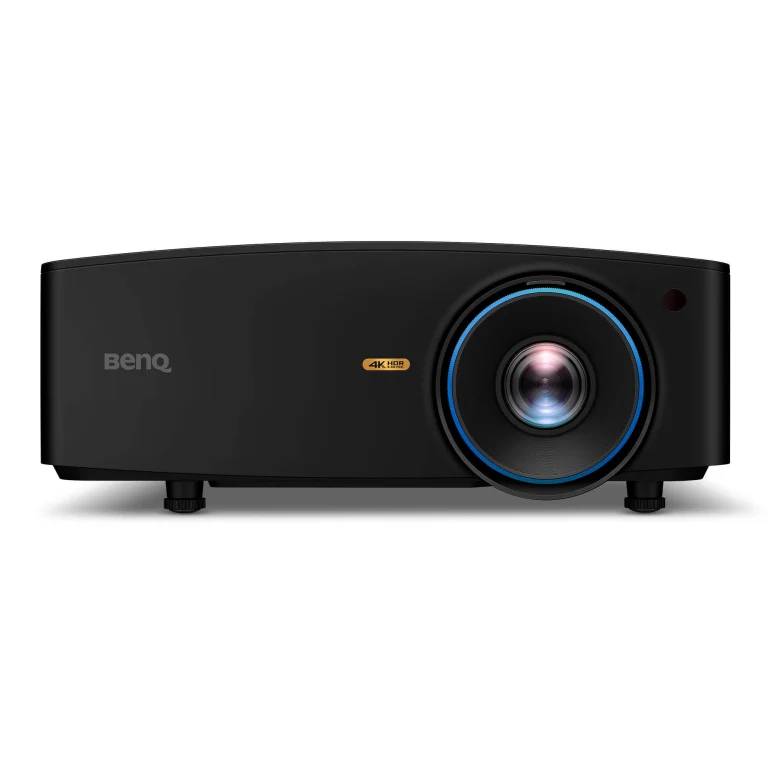
The LK936ST is a 4K UHD golf-capable laser projector that BenQ specifies at 5,100 ANSI lumens and a throw ratio of approximately 0.81–0.89. Its extra listed light output could be useful in a multipurpose room where the owner cannot make the space fully dark, although perceived image contrast will still depend on the screen material and ambient lighting. The longer throw is a serious practical constraint in shallow garages.
At ten feet picture width, the lens generally needs roughly 8.1–8.9 feet of throw before checking model-specific placement. Compare that with the location of the mat and the golfer; shadowing may be a greater risk than with a shorter-throw model. If the picture is larger, required throw grows proportionally.
Trade-off: Large initial commitment and a longer throw than many compact golf-specific models. A brighter laser system does not replace proper light control.
Before ordering: Validate projector height, shadow clearance and lens shift from the current BenQ manual before purchase.
6. BenQ AH30ST — value-oriented golf projector
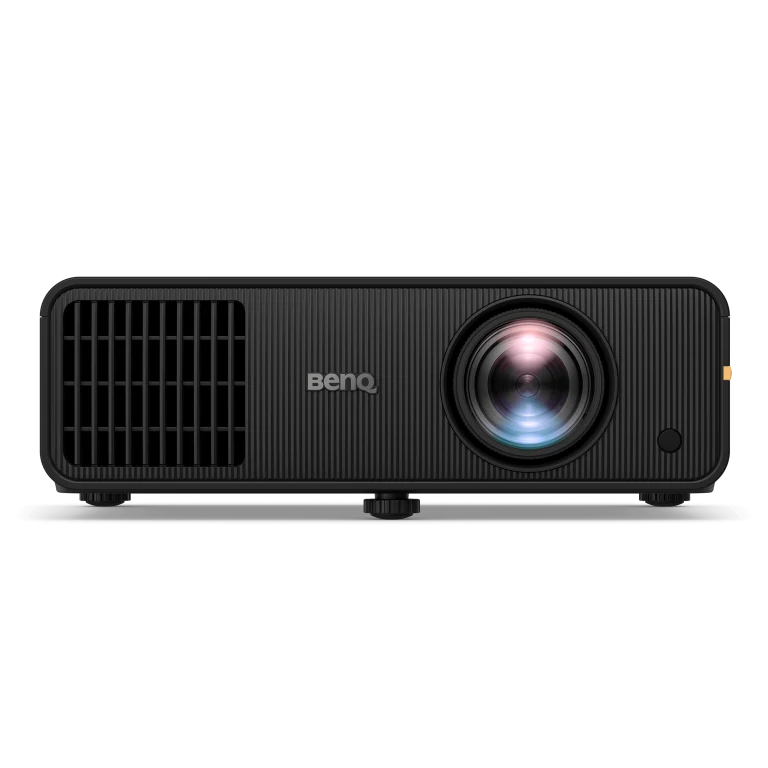
BenQ lists the AH30ST among its golf-optimized projectors with 3,000 ANSI lumens, 1080p resolution and an approximately 0.69–0.83 throw range. It is worth shortlisting when a golfer plans to control ambient light and does not need the most expensive 4K or laser option. Comparing AH30ST with AH700ST is mainly about resolution class being similar while brightness, light source and image/setup conveniences differ.
AH30ST uses a 4LED light source, not the laser engine in AH700ST. Its 1.2× optical zoom helps position the image within the published throw range, but still measure lens-to-screen distance before choosing the mount.
A useful way to decide is to set the intended room lighting, aspect ratio and screen width, then compare installation plans. An entry projector in a darkened garage can be a more sensible use of budget if upgrading the launch monitor or adding safety netting would make a larger difference.
Trade-off: Lower listed brightness and a different light-source platform than higher-end BenQ lasers; verify compatibility with the desired screen size.
Before ordering: Confirm current US model availability, throw ratio in official specifications and warranty details.
7. Optoma GT2100HDR — alternative short-throw 1080p
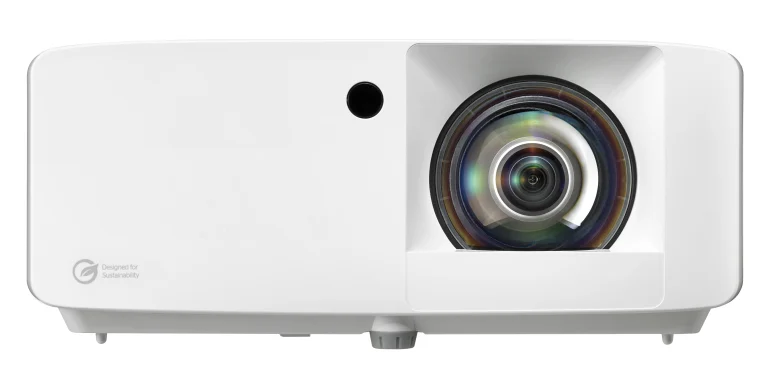
Optoma publishes the GT2100HDR as a 1080p short-throw laser projector with an approximately 0.496:1 throw ratio, a 4,200-lumen brightness claim, a fixed lens and multiple input formats. It is not marketed exclusively for golf, so a seller’s “simulator ready” label should not be mistaken for golf-specific screen-fill or mounting presets. Nonetheless the geometry can work well when a very short throw is more important than a dedicated golf remote.
Evaluate the GT2100HDR on exactly the same diagram as the BenQ AH500ST: image width, lens distance, vertical offset, mount protection, swing path and cable routing. A good comparison should include whether the computer can output the screen’s intended shape without unwanted letterboxing.
Trade-off: No claim here of golf-specific automatic image-fill functions. A fixed lens and digital corrections can limit installation flexibility.
Before ordering: Check Optoma’s current US manual for exact mounting geometry and operating noise in the intended environment.
Calculate throw distance before choosing a model
Throw ratio is the lens-to-screen distance divided by picture width. For an eight-foot-wide usable picture, a 0.5 ratio suggests approximately four feet of throw; a 0.8 ratio suggests about 6.4 feet. For a twelve-foot picture, the same ratios become six and 9.6 feet. This is a first-stage calculation, not permission to mount there. The image may need a small border inside the screen frame and the projector may have fixed lens offset, zoom restrictions and prescribed mounting angles. Always use the actual visible screen width, not the exterior enclosure width. Read the manufacturer’s model-specific instructions and sketch the whole beam path.
A golfer may swing where the cone of light crosses the room. A projector hung behind the golfer can create shadows; a projector too far forward may get hit by clubs or ricochets. Some floor installations place the projector in a protective case; those can reduce ceiling conflicts but introduce a floor hazard if badly located. In every case, prioritize physical clearances over keystone-correction promises.
Resolution, lumens and screen color: what changes the result?
A simulator image depends on four linked elements: software output, GPU performance, projector optical resolution and screen surface. Paying for 4K while running a weak laptop, rendering at 1080p or using a heavily textured fabric may offer less visible improvement than expected. Brightness claims also need interpretation. Manufacturer ANSI-lumen ratings are laboratory-style specifications; they do not guarantee an equally bright image on a large gray impact screen with sunlight coming through the garage window.
White screens generally reflect more light back while gray high-contrast fabrics can help preserve perceived dark tones with some ambient light. Those relationships vary with projector power and seating/viewing angle. If daytime use is essential, control daylight first and check whether a gray screen is an appropriate trade-off. If the room is dark and image size modest, throwing more money at brightness may produce diminishing returns.
Aspect ratio, ceiling rails and mounts
Many home enclosures are square-ish or 4:3 even though consumer video sources are 16:9. A ten-foot-wide 4:3 image is 7.5 feet high, while a 16:9 image of the same width is only 5.625 feet high. If a projector and simulator software cannot fill the chosen shape correctly, you may end up with black bars or cropped information. Check screen-fill features and the application’s supported display resolutions.
For a garage, measure the lowest obstruction: garage-door tracks, motors, openers, beams, lights and ducting. The advertised room ceiling height may not be the usable clearance. A permanent projector mount must not move with a garage door, and a retractable setup needs a safe reinstallation reference. Mounts should be installed per structural load requirements and wiring kept out of the ball-return path.
A purchase checklist for the projector
Write down screen visible width and height, desired image aspect ratio, proposed lens location, exact lens-to-screen distance, ceiling height at the mount, available power, computer output, room light conditions and ball/swing hazard zones. Compare this sheet against each projector manual before choosing a seller. Check that the device ships with the relevant mount hardware only if the listing explicitly says so. A projector itself does not include the hitting mat, ball monitor, enclosure or impact screen.
Model-specific throw ratio cross-check
Published US product information identifies BenQ AH700ST and AK700ST with a 0.69–0.83 lens family; AH500ST and LK830ST with a shorter approximately 0.5 ratio; and the brighter LK936ST with a roughly 0.81–0.89 throw range. BenQ AH30ST is an LED 1080p option with a published roughly 0.69–0.83 throw. Optoma lists the GT2100HDR at 0.496:1. Always confirm the precise retail SKU and country-specific documentation; image width is not necessarily the outer frame width and the lens must not occupy a club path.
The room-dimension guide helps establish the finished image and swing envelope. Compare impact-screen materials before finalizing the projector mount.
QUICK ANSWERS
Frequently asked questions
Select a question to reveal its answer.
Is a short-throw projector required for golf simulators?
No. It is commonly convenient because it shortens the beam and can reduce shadow problems, but any compatible projection geometry that stays safe and fits the screen can work. The lens placement and room design matter more than the marketing category.
Is 4K worth it for a home golf simulator?
It can be for larger, immersive images and dual-purpose movie use. It is less important if the computer renders lower-resolution courses or the impact screen texture becomes the limiting factor. Budget for a capable graphics PC and proper mounting first.
How many lumens should I buy?
There is no universal answer. Screen width, lighting control, gray or white fabric, projector installation and the manufacturer’s rating all affect the result. Compare realistic light conditions rather than choosing the highest listed figure.
Will projector keystone correction fix an incorrectly sized image?
Keystone correction can adjust geometry, but aggressive digital correction may reduce effective detail and cannot fix a projector physically placed in an unsafe location. Good optical placement is preferable.
Can I use a projector with a practice net?
Only if you also have a suitable rated impact screen or compatible projection surface installed safely. Ordinary net mesh will not produce the same usable projected image. Confirm all components before buying.