Golf simulator software affects how much you use a home hitting bay, but it should be selected after your launch monitor and computer platform. A package can advertise thousands of courses while hiding two separate costs: the software license itself and any launch-monitor membership required to unlock the integration. The right product is the one that works with your sensor, supports your practice routine and runs on hardware you already own or can afford.
Quick verdict: Consider GSPro if you have a suitable Windows gaming PC and a supported launch monitor; E6 by TruGolf (2026) if you want a defined mix of course play and training packages; Awesome Golf if cross-platform convenience, practice games and a lifetime option appeal; and the manufacturer’s own app if you mostly want range data without unnecessary subscriptions.
Software comparison at a glance
| Program | Best use | Published US pricing reference | Biggest thing to check |
|---|---|---|---|
| GSPro | Windows-based golf course play | $250 per year | Device integration entitlement and PC GPU |
| E6 by TruGolf (2026) | Courses and improvement modules | Improve $150, Play $300, Enjoy $450 per year | Exactly which tier and device are supported |
| Awesome Golf | Practice and family-friendly play on many devices | $14.99/month, $159.99/year, $349.99 lifetime | Launch monitor license pairing and included modes |
| Maker’s native software | Lowest-friction data and device functions | Varies by sensor and membership | What remains free after trial |
Before buying, check the four compatibility layers
First, determine whether the software officially supports the exact model you own; a supported Garmin R10 does not automatically prove support for every Garmin or for a different device revision. Second, check your computer or tablet: Windows gaming-PC applications may require graphics capability well beyond basic scorekeeping. Third, read the sensor maker’s entitlements, because a nominal software integration can still depend on a paid hardware membership. Fourth, confirm whether the license covers multiple devices or a specific serial number.
Use official supported-device lists, not general forum assurances. GSPro lists several monitor families, including Rapsodo MLM2PRO, Square, ProTee VX, Garmin R10 and Foresight/Bushnell, but device-maker terms can vary. A current compatibility list is a starting point, not an instruction to bypass an integration paywall.
GSPro: for the golfer building a dedicated Windows simulator
GSPro publishes a $250 annual subscription and offers a large community-course library with local and online modes. It appeals to golfers who want realistic-looking rounds, repeatable practice and an active user-created course ecosystem. Its graphics and computer requirements make it a less natural first step for someone with only a tablet or office laptop.
The hardware cost matters. A PC, graphics card, display, mount, projector and networking can exceed the first year’s software license. Do not choose GSPro solely because your monitor appears on its support menu. Confirm the integration method, firmware, required device-maker subscription, right/left-hand behavior and any limitations on putting or advanced club metrics.
E6 by TruGolf (2026): choose the tier, not just the brand
TruGolf distinguishes the newer E6 platform from legacy E6 CONNECT. Its published E6 by TruGolf (2026) subscriptions include Improve at $150 annually, Play at $300 and Enjoy at $450. Improve concentrates on practice and training; Play on course content; Enjoy combines both. Bundled courses or trial access with particular monitors can follow different terms.
Do not assume a guide written about E6 CONNECT’s iPad edition describes the current E6 by TruGolf (2026) PC experience. The newer software has its own launcher, platform requirements, course model and supported hardware. On checkout, check the monitor selection and license term before comparing prices against GSPro.
Awesome Golf: easy practice should not be confused with unlimited free use
Awesome Golf supports a broad range of devices, including supported Windows, Mac, tablet and mobile platforms. It offers engaging range feedback, games and simulator routines without requiring every golfer to build a high-end gaming desktop. Its published US pricing is $14.99 monthly, $159.99 annually or $349.99 for a lifetime license. The company explains that licenses are tied to a launch monitor, with transfer procedures when changing equipment.
A lifetime license can be attractive for a household that expects to keep the platform several years. But the headline amount does not include the launch monitor itself or any device-maker paid features. Check support for your particular model and ask which modes require internet connectivity or additional purchases.
Native software: often enough for serious practice
Garmin Golf, Rapsodo’s current practice environment, Square’s applications, FlightScope’s apps and other vendor interfaces may show the data most owners use regularly. If you practice wedge distances or track carry dispersion, a reliable session history can be more helpful than an extra course package. You should distinguish free basic data, introductory trial, paid analytics and course-play purchases. These categories are frequently mixed in retailer summaries.
For instance, Rapsodo lists Core and Studios memberships with different video and course privileges. Square Home uses free basic practice and native course credits. Those workflows have different ownership costs even if both can connect to a third-party simulator application.
Three-year cost comparison: use the same assumptions
For software license alone, GSPro at $250 per year works out to $750 over three years if the rate remains unchanged. E6 Improve at $150 annually works out to $450; E6 Enjoy at $450 annually becomes $1,350. Awesome Golf’s current lifetime figure is $349.99 once, compared with $479.97 for three years at its $159.99 annual rate. These are straightforward illustrations, not complete system quotes.
Then add manufacturer subscriptions, optional course packs, relevant platform taxes, computer upgrades and maintenance. A monitor that includes an initial annual license can have a different third-year bill. If you want to compare monitor A plus GSPro versus monitor B plus native courses, build the full stack rather than quoting isolated software prices.
2026 compatibility audit: a supported device is not necessarily an included license
Check four separate layers: the exact launch monitor edition, the official connection route to the software, the maker-side subscription needed for that connection, and the independent software charge. A name in a supported-devices list is only the beginning. It does not prove that a trial, third-party connection, all club data or all courses are included with the hardware.
Figures above are published US software-license references checked November 3, 2026, not Amazon device prices and not permanent offers. Some platform listings describe E6 CONNECT and E6 by TruGolf (2026) separately; they have different licensing and supported-device arrangements. Awesome Golf’s lifetime license belongs to a launch monitor and may need an account transfer when the owner changes hardware. Verify everything on the current checkout page and supported-devices documentation.
Foresight’s October 2026 transition is another important exception: its current Foresight+ Gold membership is listed as the plan enabling third-party software connections, while GSPro charges its own annual fee. The consumer choosing Foresight hardware should total both components rather than comparing only the GSPro subscription to an included native app.
Which program is best for practice rather than games?
A strong practice interface records repeatable shot data, lets you filter by club, displays dispersion and supports a reliable calibration routine. E6 Improve and Awesome Golf practice modes deserve examination, as do native simulator ranges and GSPro’s practice features. However, a beautiful course flyover does not prove the underlying sensor measured club path or spin in every shot mode.
Choose based on the data you need, not just the visual presentation. For wedge gapping, preserve club names, ball types and averages. For technique sessions, compare measured versus estimated metrics and whether a video workflow requires subscription. For family play, favor quick startup, profiles and easy turn changes.
PC and projection requirements
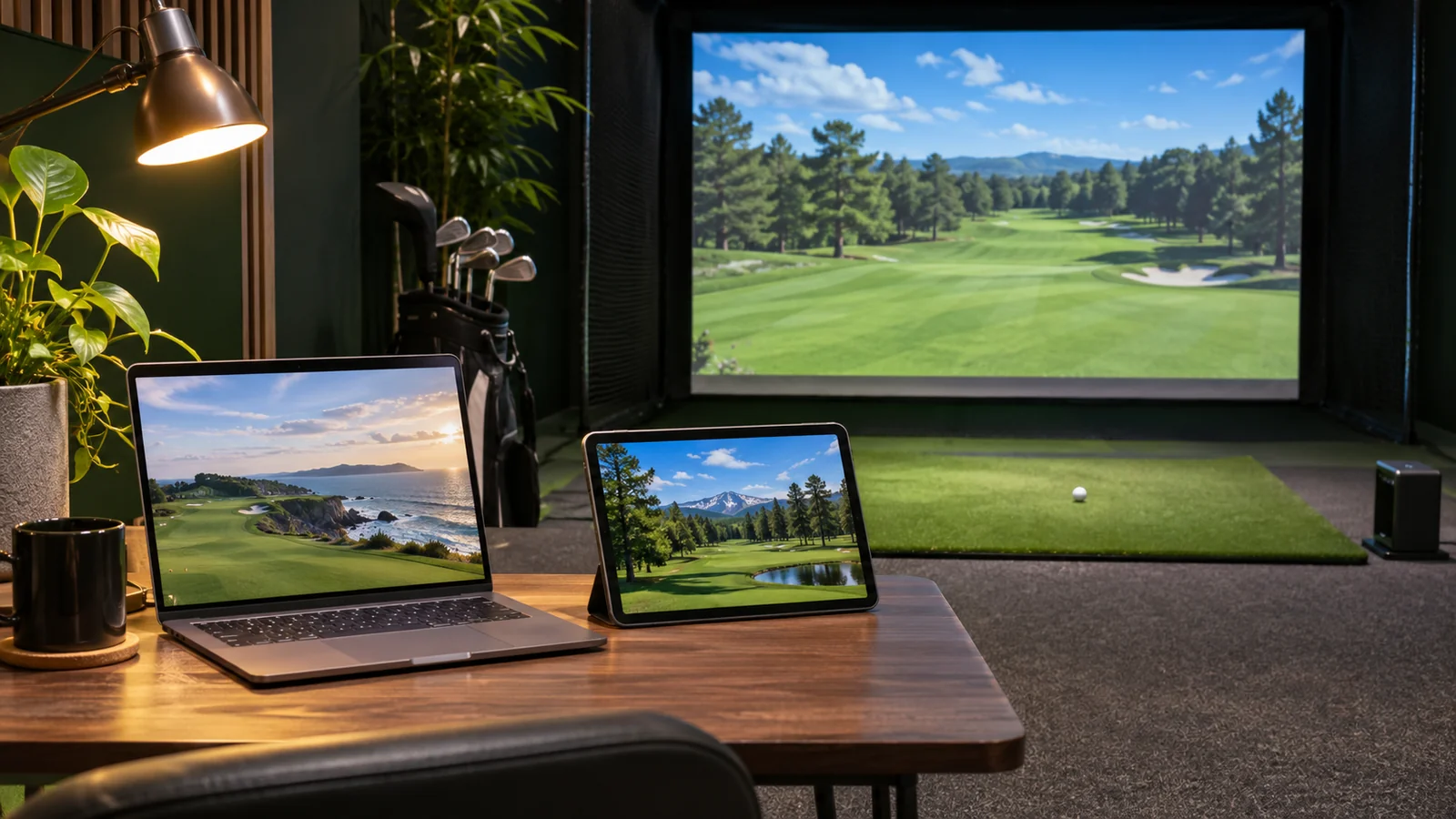
Separate sensor connection requirements from graphics rendering requirements. A tablet can often show practice data but may not run the full PC simulation program. A 4K course image needs a supported graphics computer, a projector or screen suited to the room, adequate cooling and reliable cable routing. Neither a monitor license nor a software subscription supplies those physical components.
Plan the computer after confirming the software version you want. OS requirements, graphics drivers, Wi-Fi, wired connections and display aspect ratios can change with new releases. A family that shares one computer between home office and golf may find the everyday friction more costly than the subscription difference.
Common compatibility mistakes
Owners frequently confuse the model generation, assume that “GSPro compatible” means no manufacturer fees, mistake a course trial for a perpetual license, or copy old E6 CONNECT prices into an E6 by TruGolf (2026) comparison. Another mistake is paying for a simulation program before checking whether the selected launch monitor’s firmware, app account or third-party integration is approved in the user’s region.
The safe sequence is: sensor exact model → supported platform → required maker entitlement → software tier → computer requirements → room and display plan. If any step remains unclear, stop before purchasing the license.
Read the ST MAX review for its native and partner-software distinctions. The subscription guide helps compare the complete three-year license bill.
Frequently asked questions
Does GSPro cost $250 per year?
That is the published US annual price checked for this guide. Taxes and additional launch-monitor memberships may apply. Recheck the vendor checkout and supported-device terms.
Is E6 by TruGolf (2026) the same as E6 CONNECT?
No. TruGolf differentiates the newer E6 platform from the earlier E6 CONNECT product. Their supported platforms, subscription terms and features should not be copied across without verification.
Is Awesome Golf lifetime really a one-time license?
The provider publishes a US lifetime purchase option. License-device pairing and its transfer process still apply; review current terms before treating it as unrestricted use across multiple sensors.
Does every launch monitor work with every simulator app?
No. Integrations are model- and version-dependent and can require an extra membership. Use the official supported-device list for both sensor and software.
Final recommendation
Buy software only after you can demonstrate a supported path from your exact monitor to your actual computer. GSPro makes sense for the Windows enthusiast, E6 for structured courses and improvement packages, Awesome Golf for cross-platform practice and flexible licensing, and native apps for owners who can meet their goals without another bill. See our Golf Launch Monitor Subscription Costs explainer for hardware fees and the Best Home Golf Simulators guide for full-system choices.