
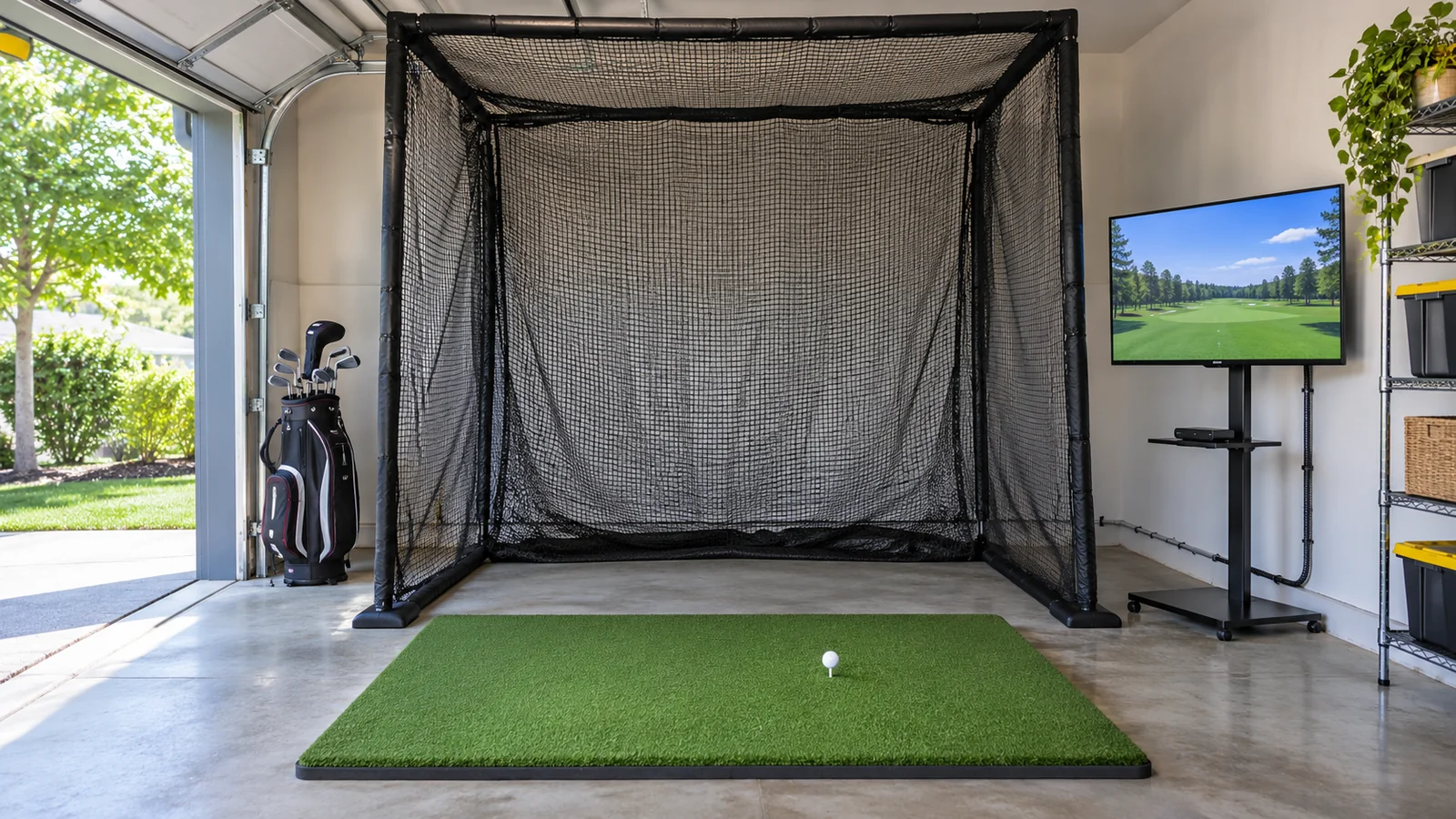
Five budget build paths on the same baseline
| Build | Shared physical components | Assumed display/software | Research hardware baseline | Three-year comparison floor | Check Price |
|---|---|---|---|---|---|
| Garmin R10 | GoSports Range Cage 10 × 8 ft with screen; Country Club Elite 5 × 5-ft mat | Already-owned supported Windows PC/display; GSPro at $250/year | $1,398.98 | $2,148.98 before the additional costs below | View R10 only |
| Swing Caddie SC4 Pro | Same cage and full mat | Already-owned supported iOS/PC device; included E6 CONNECT offer | $1,498.98 using standard maker hardware positioning | $1,498.98 plus any expanded software and other costs | View SC4 Pro only |
| Rapsodo MLM2PRO | Same cage and full mat; compatible RPT balls | Already-owned supported device; three full paid Core years | $1,448.98 | $2,048.95 plus replacement balls and other costs | View MLM2PRO ball bundle only |
| Square Golf Home Edition | Same cage and full mat | Already-owned supported computer; native practice and credits | $1,597.99 using the maker’s USD benchmark | Hardware baseline plus usage-based credit purchases and other costs | View Square Home on Amazon |
| FlightScope Mevo Gen2 | Same cage and full mat; supported spin ball preparation | Already-owned supported device; included E6 CONNECT content | $2,197.99 | Hardware baseline plus optional upgrades, courses and other costs | View Mevo Gen2 only |
Benchmark date: November 4, 2026. The shared physical baseline uses the named screen-equipped Range Cage and the full 5 × 5-foot Country Club Elite mat. Monitor benchmarks come from the cited maker/US retail pages; SC4 Pro uses the standard maker figure rather than assuming a temporary sale. These aggregate calculations are not Amazon-served product prices or promises of available offers.
Additional costs for every row: any new phone/tablet/PC or GPU upgrade, projection, mount, adapters, cables, level floor work, anchoring, padding and extra containment required by the location, delivery, sales tax, consumables and installation. They are not silently priced at zero. The tables assume the compatible display device is already owned and the basic room is suitable; otherwise obtain those quotes first.
The software experiences also differ. A five-course E6 CONNECT entitlement is not the same library as a GSPro subscription, and Square’s welcome credits do not mean unlimited play for three years. Use the comparison floor to identify the next quote you need, rather than treating the lowest number as an automatic winner.
1. R10 net-and-PC build – a documented starting baseline
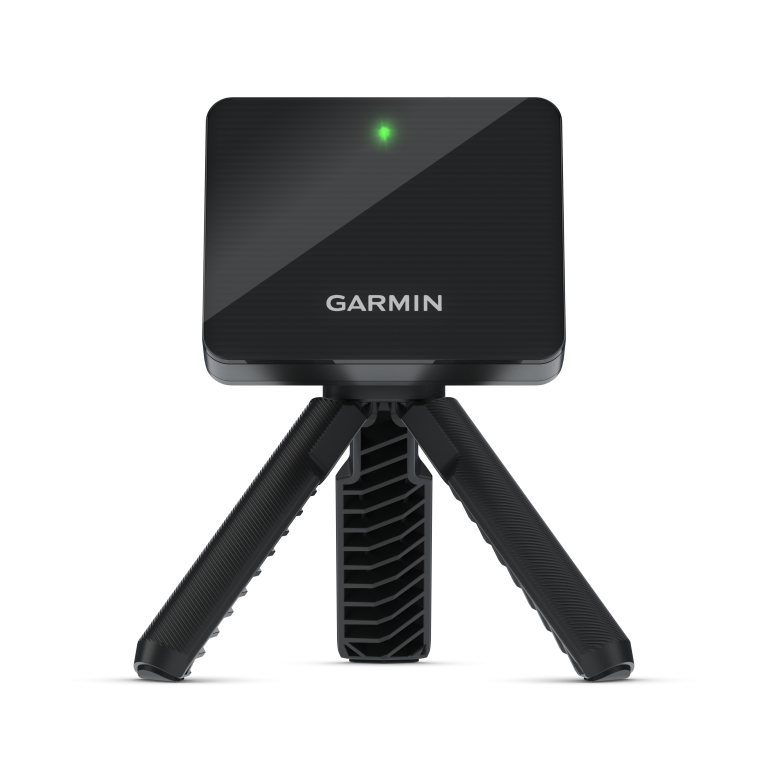
Required bill: R10, GoSports Range Cage 10 × 8-foot screen option, Country Club Elite 5 × 5-foot mat, a supported Windows PC/display already owned, the supported GSPro connection and GSPro license. Complete the physical installation to the net and sensor instructions. A phone with Garmin’s own app is an alternative operating path with different software pricing.
The three sourced hardware components total $1,398.98 at the research benchmarks. Three GSPro years at an unchanged $250 annual rate add $750, producing the stated $2,148.98 comparison floor. This is useful because it makes the software choice explicit and does not hide the computer inside a monitor-only offer.
Choose it when you have the prescribed radar lane and a computer that genuinely supports the program. Do not buy the sensor and hope a short garage will accommodate it. For a phone-first setup, quote the native membership separately rather than carrying the GSPro total into the wrong configuration.
View screen-equipped cage only · View the full mat only
2. SC4 Pro starter build – keep ordinary practice simple
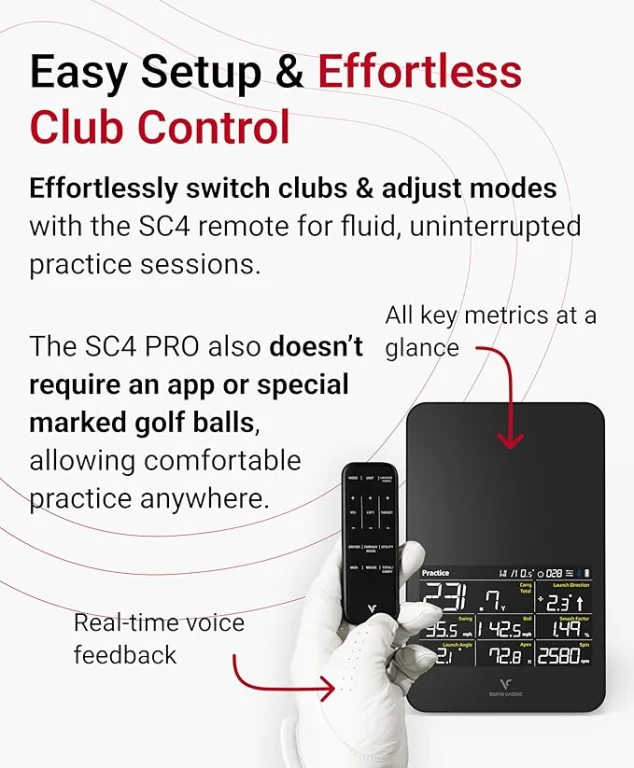
Required bill: SC4 Pro, the same cage and full mat, and a supported iOS device or Windows PC for the selected E6 CONNECT starter offer. The monitor’s display provides practice numbers, not a large course image. Confirm how the course offer is activated on the exact device and purchase bundle.
The appeal is the ability to practice without opening a full simulator program every time. For virtual rounds, however, the compatible external device still belongs on the list. Voice Caddie’s free core app should not be confused with an unlimited third-party course subscription.
Use the maker’s standard hardware figure for a conservative comparison, then replace it with the selected new offer during purchasing. A temporary discount can improve the quote, but it should not be assumed in a guide’s permanent budget promise.
3. MLM2PRO video build – include Core in the decision
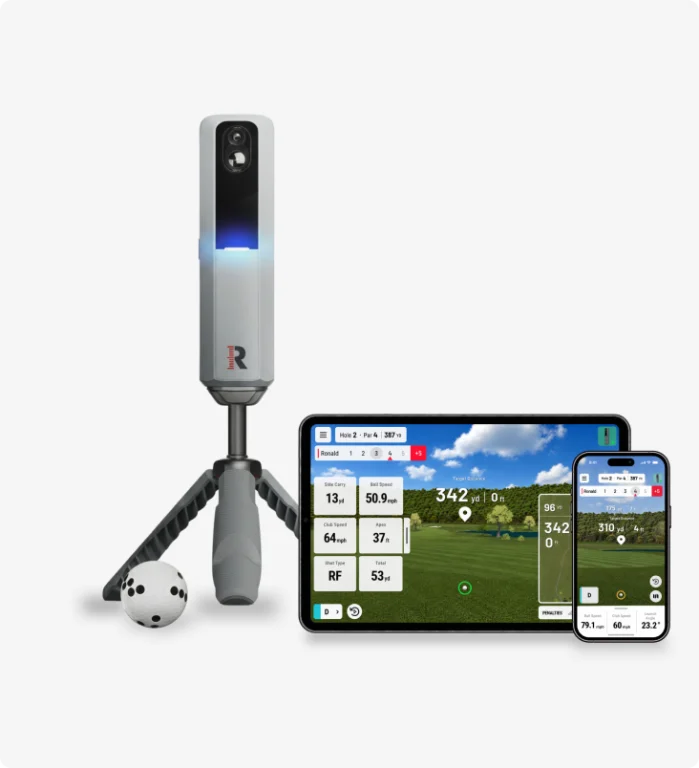
Required bill: MLM2PRO, the same cage and mat, compatible RPT balls, supported display device and Core for the spin, advanced club-data and course features selected here. Free Practice is a different, narrower operating case.
At the dated hardware benchmark and three full Core years, the comparison floor is $2,048.95. It excludes future fee changes, taxes, replacement balls, new display equipment and installation. Studios or partner software would add another decision; do not count those features as included simply because the monitor can connect to them.
Choose this path when you will repeatedly use video and the paid measurements. If your practice question is only basic speed or carry, a simpler setup may serve it without that software commitment.
4. Square Home build – solve the rear-space problem first
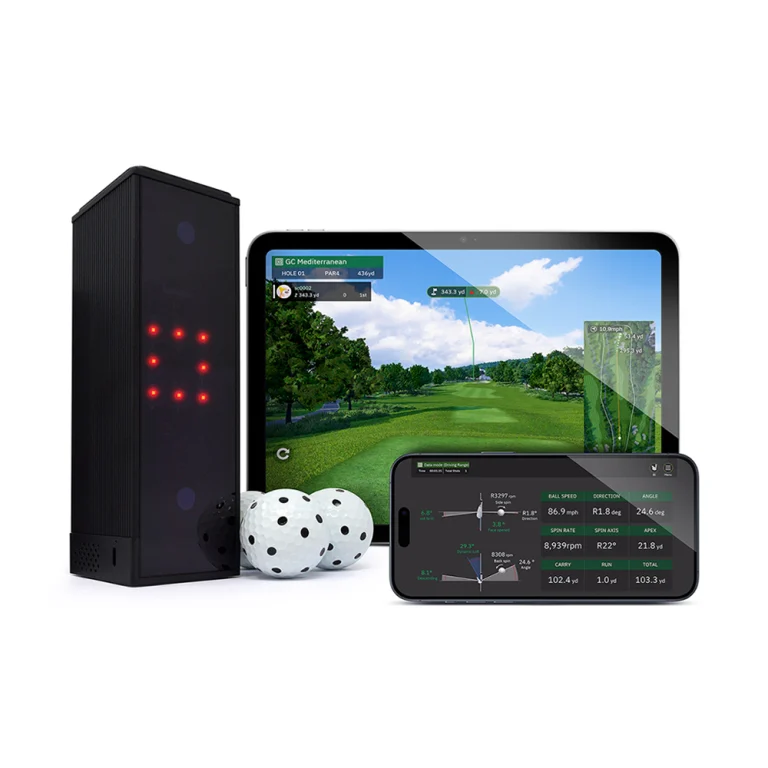
Required bill: the exact Square Home Edition, the common cage and full mat, compatible marked balls/club markers for the intended metrics, a supported computer and native Square software. The maker’s published USD device benchmark supports the research subtotal, but the US seller and exact Home Edition package still need a purchase-specific check.
Square’s basic practice is free; native course play consumes credits. For example, two 18-hole rounds each week for one golfer over three 52-week years use 5,616 credits. Subtracting 1,000 welcome credits leaves 4,616 to purchase. Calculate those using the US account’s actual pack price; a UK price converted into dollars is not a verified US fee.
This build is worth comparing for an indoor-only room where side tracking is more practical than a long rear lane. It does not eliminate the need for safe swing and screen space.
5. Mevo Gen2 data-first build – spend on tracking before projection
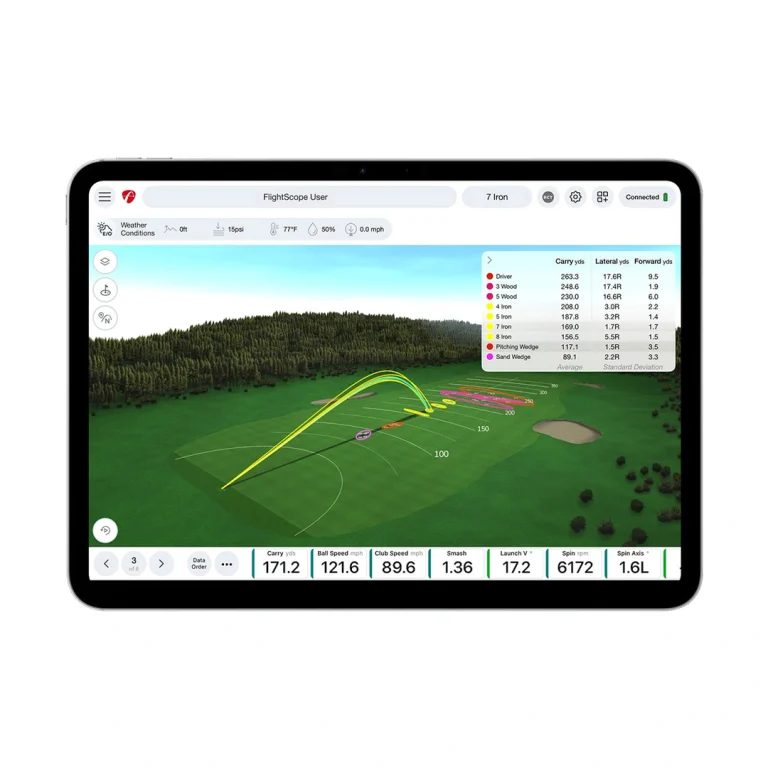
Required bill: Mevo Gen2, the common cage and full mat, manufacturer-approved spin ball preparation and a supported iOS/Windows device. Use the included E6 CONNECT course package only under its documented activation/platform terms, or add the separately chosen simulator license.
The dated hardware subtotal is $2,197.99. Pro Package, face-impact features and expanded third-party software are not hidden inside that number. Confirm the exact included metrics where the maker’s current count and a marketplace title differ.
This path suits a golfer who values the practice platform and can supply the required radar depth. It is a weaker budget choice if a new computer, a larger room or several optional upgrades are all required at once.
Testing a complete quote against $5,000
Decide whether the ceiling covers year-one spending or three-year ownership. Those are different limits. Under a three-year $5,000 ceiling, the documented R10/GSPro comparison floor of $2,148.98 leaves $2,851.02 for all additional quoted items. It does not prove that any projected build is automatically under the cap.
Obtain the real amounts for a projector/display upgrade, computer if needed, mount, cables, floor work, enclosure protection, delivery and tax. Add a sensible contingency for the actual project. If the complete quote exceeds the limit, keep the display simpler or change the configuration before ordering. Do not reduce required impact protection to force the total to fit.
Projection and reuse are choices within a build
A TV or tablet can avoid a projector purchase when it provides a supported display path and stays protected. Adding a projector also brings a mount, power, cable routing, screen aspect-ratio checks and possibly a computer upgrade. Calculate lens distance from usable image width and the exact throw ratio before selecting a model.
Existing equipment has zero additional purchase cost only when it actually works. Check operating system, graphics requirements, outputs, adapters, software registration and battery/charging. An unsupported old laptop is not a saving if it forces a replacement immediately after the monitor arrives.
Buy in the order that reduces rework
- Measure usable room and each intended golfer’s swing.
- Choose the tracking layout and exact software path.
- Quote the net/enclosure, full mat and location-specific protection.
- Confirm the supported display/computer already owned or price its replacement.
- Calculate the complete installed and three-year totals.
- Validate the exact seller, model, accessories and return terms before paying.
Use the simulator cost worksheet to complete the missing quote categories. The home simulator build guide compares broader display and capability choices.
QUICK ANSWERS
Frequently asked questions
Select a question to reveal its answer.
Can a complete new setup stay below $1,000?
Possibly with a different component mix or a qualifying offer, but this guide does not certify one. The documented full-mat baseline here already exceeds that amount before a new display or installation. A low sensor price is not proof of a complete-system budget.
Does the cheapest three-year floor make the best simulator?
No. The included course experience, video tools, room fit and amount of extra equipment differ. Compare the operating mode you will use rather than simply ranking the totals.
Can I use foam balls to avoid a protective system?
Check the monitor’s supported balls and net mode first. A different ball can change or prevent the intended readings. Do not assume foam practice supplies the same measured experience as regulation-ball tracking.
What is the easiest upgrade to postpone?
Often the projected display, when a supported tablet, monitor or TV already works. Keep the required striking surface, sensor space and ball containment in the initial plan.
Related guides
Sources and specifications
- Square Golf software – Home versus Omni features and course credits
- Square Golf Home Edition – official model and included components
- Garmin R10 owner manual – Preparing for a Shot
- Rapsodo current Golf FAQ
- FlightScope Mevo Gen2 product and FAQ
- Square Golf general FAQ
- GoSports Range Cage maker catalog
- Country Club Elite US retail catalog
- Garmin R10 US retail benchmark
- Voice Caddie current model comparison
- Rapsodo MLM2PRO and Core membership
- Square maker launch-monitor catalog
- GSPro US license and supported hardware