
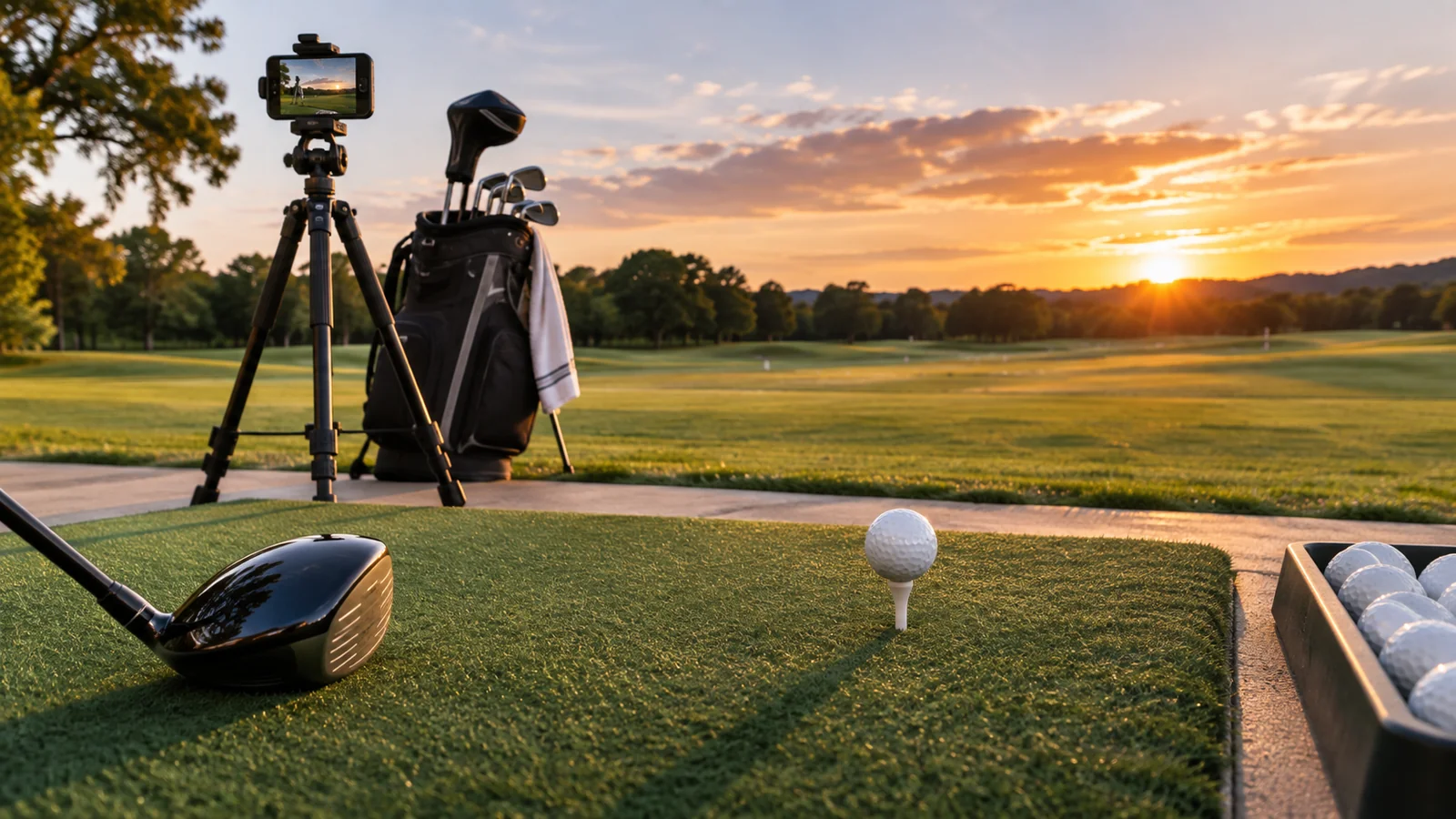
Full Swing KIT sits between conventional portable range monitors and premium home-simulator systems. It uses a rear-positioned radar arrangement, a built-in display and an integrated camera, with manufacturer-reported data and video workflows. The product is marketed for both outdoor practice and indoor simulation, but an indoor installation requires enough depth for radar tracking and safe ball containment. The key is to consider the entire routine—not just the device’s appearance and advertised metric count.
Quick verdict: Full Swing KIT is most interesting to golfers who use a driving range regularly, want data visible on the device and value integrated swing video. It may be an expensive mismatch for a shallow garage or for someone expecting the basic device to include a full simulator PC, enclosure and every third-party software license.
Affiliate disclosure: As an Amazon Associate I earn from qualifying purchases. This article contains affiliate links.
Full Swing KIT specifications at a glance
| Area | Manufacturer description | Buyer implication |
|---|---|---|
| Sensors | 24 GHz dual-mode radar plus integrated camera | Behind-ball placement and video workflow |
| Display | 5.3-inch full-HD OLED | Read some metrics without staring at a phone |
| Camera | 1080p at 60 fps | Swing replay rather than only raw data |
| Data | 16 listed data parameters | Verify what is measured and how each is displayed |
| Battery | Approximately five hours in published conditions | Practical for a range session, not unlimited operation |
| Outdoor setup | Approximately 10 feet behind the ball | Need a clear and correctly aligned lane |
| Indoor setup | Around 8–10 ft behind ball plus 8–10 ft ball flight | Many small garages will be too shallow |
The case for a standalone display
A screen on the device itself can simplify repetitive range work. After a shot, you can inspect the chosen feedback without picking up a phone or navigating a full simulator computer. Full Swing describes a customizable full-color OLED showing the parameters the golfer values most. The benefit is not just screen size; it is the reduced friction between swings when testing clubs or practicing distance control.
Do not assume the display replaces every app function. Data history, advanced video review, cloud features and simulation may still depend on supported mobile software or an external PC. Check app compatibility with the exact phone you intend to bring to the range and whether a live connection is required for your preferred workflow.
Radar and camera: what each component contributes
Full Swing describes its system as dual-mode radar with an integrated high-definition camera. Radar provides the movement information used for launch conditions, while the camera supplies video recording. The manufacturer lists 16 data parameters, but that number should not be interpreted as 16 independent direct measurements under every shot condition. A carry-distance result into a short net is not the same kind of observation as watching a full outdoor ball flight.
A careful buyer should identify the metrics that matter: carry, ball speed and launch for gapping; club path and angle of attack for delivery; dispersion and video for consistency. Avoid ranking the system above another device on a single marketing accuracy claim without structured independent reference testing.
Range setup: alignment is not optional
The manufacturer recommends placing KIT about ten feet behind the golf ball outdoors. That may be easy on a quiet range mat but challenging at a busy tee line with people walking behind. Align the sensor with the intended target line, provide room for the tripod/device and protect it from other players, carts and stray balls.
Range balls can behave differently from premium playing balls, and club/ball contact quality matters. Keep the model’s ball selection, environment and alignment consistent when comparing sessions. A range that prohibits devices behind players, or one with a tight walkway, may not be a suitable place to operate a rear-positioned monitor.
Indoor setup: measure the whole lane
Full Swing’s official product FAQ describes an indoor need for 8–10 feet behind the ball and 8–10 feet from ball to screen or net for strong tracking and gameplay. Those dimensions add to about sixteen to twenty feet of sensor-plus-flight lane before accounting for screen rebound clearance, human swing access and room structure. A generic “fits in most garages” statement should not override these figures.
The hitting mat must be stable, the net or impact screen must be rated for real golf balls, and the camera/sensor should have a clear view. Ceiling height is a separate constraint. If your only available depth is shorter than the manufacturer placement, a side-based optical launch monitor may be a more sensible product category.
Swing video and coaching workflow
The built-in camera offers a useful distinction for golfers who review every practice session. Full Swing describes HD replay and sharing through its app. A video can help with obvious setup, balance and tempo patterns, but it should not be treated as automatic diagnosis of swing technique. Visual interpretation still benefits from coaching and contextual shot data.
If the goal is coaching, confirm capture angle, storage method, export options, account compatibility and whether you can attach specific videos to individual data sessions. Quality video without consistent ball setup may still be hard to compare across weeks. Protect other people’s privacy when filming on a busy range.
Simulator software and memberships
Current manufacturer details
The official Full Swing KIT FAQ lists 16 ball-and-club parameters as included with the device and describes a customizable onboard color display. Basic data do not require unlocking a separate sixteen-metric package. The manufacturer positions KIT for both outdoor and indoor use with an integrated high-definition swing camera.
Full Swing recommends approximately 10 feet behind the ball outdoors, and around 8–10 feet of sensor-to-ball distance plus 8–10 feet of ball travel indoors. That layout can be impractical in a short garage after making room for the safe swing arc and net/screen clearance.
The same FAQ describes free Full Swing app access, with a specified five-course E6 Connect package and fifteen practice areas on compatible iPhone/iPad setups. Certain premium app functions and Full Swing KIT Studio PC software have their own paid arrangements. Do not imply that GSPro or a fully equipped projected studio is automatically included with the launch-monitor-only purchase.
Full Swing lists GSPro on PC and E6 CONNECT on supported mobile hardware among its compatible gameplay options, with packages available separately. It also offers its proprietary KIT Studio software for PC in certain bundles, and notes that this studio software requires a subscription. That makes “simulation ready” different from “all software included.”
Check each layer: KIT hardware, device app, simulator program, PC/platform and any paid entitlements. GSPro publishes an annual license, and other programs can require separate annual payments. If your objective is a few occasional winter rounds, compare the cost of a complete software stack with using the monitor for range practice alone.
Total cost: full sensor versus full studio
The manufacturer’s KIT unit and a KIT Studio package are different purchases. A studio can add a net or impact screen, hitting mat, projector, powerful computer, mount and software. A product listing photo showing a completed room does not establish what the device-only carton includes. Request an itemized list from the seller and a specification sheet for every hardware component.
For three-year ownership, include the initial sensor, optional display/PC components, subscriptions, accessories, and any maintenance or replacement of impact material. Do not treat an introductory software offer as a lifetime license. Compare the exact US hardware bundle and its included licenses; offers in another country may contain different entitlements.
KIT versus Garmin R10 and FlightScope Mevo Gen2
Garmin R10 is generally considered for lower-cost portable practice, while FlightScope Mevo Gen2 offers another radar-centered performance and simulation path. KIT’s notable selling points are its built-in display, integrated HD video and premium positioning. This does not automatically make its data better for every golfer or worth the cost if the buyer only needs basic carry data.
All rear-radar units should be evaluated against your available range/indoor depth. Check current integration and data-field entitlements rather than assuming a newer or pricier sensor supports every same third-party app without an extra subscription.
Pros and cons
Pros: integrated readable screen; high-definition video; dedicated portable range use; manufacturer support for indoor simulation; published ball and club metrics; rechargeable battery.
Cons: significant indoor depth requirements; device plus software can be expensive; premium features depend on the exact app and license; no independent reference testing in this review.
Before ordering, make sure the range permits behind-ball placement, your indoor room meets the full requirements, the software runs on your chosen computer and the seller’s return policy applies to the exact package.
The portable-monitor guide compares carrying load and power dependence. Read the Mevo Gen2 review for an alternative advanced radar route.
Frequently asked questions
Does the Full Swing KIT need a laptop at the driving range?
The unit has a built-in display for selected data. App or cloud features can still depend on a supported phone or other connection. Check which functions you want away from home.
Does KIT include GSPro for free?
Do not assume that. Full Swing lists GSPro compatibility, while GSPro publishes its own license. Some bundles may include promotions; verify the exact terms at checkout.
How much space does KIT need indoors?
Full Swing recommends approximately 8–10 feet behind the ball and 8–10 feet of ball travel toward the screen or net. Add safe swing and screen clearance rather than interpreting that as the entire room requirement.
Is KIT a complete home golf simulator?
The device alone is a launch monitor. A projected simulator also requires suitable hitting/containment equipment, software and an appropriate display/computer setup.
Exact Full Swing KIT listing and camera specification
The matched Amazon US page is the Full Swing KIT launch monitor, rather than an enclosure or full studio bundle. Its title markets a 4K swing camera, while Full Swing’s current KIT specifications describe Full HD 1080p capture at 60 fps. Use the manufacturer’s published recording specification and confirm the hardware revision if video resolution affects your purchase.
Final verdict
Full Swing KIT is a serious range-first candidate for golfers who value video and an onboard display, with indoor simulator capability when the room is deep enough. For a shallow home bay, prioritize fit over brand prestige. Compare it with our FlightScope Mevo Gen2 Review, Best Portable Golf Launch Monitors and Golf Simulator Room Dimensions guides before purchasing.